Move your Partitoria library to a new Android tablet
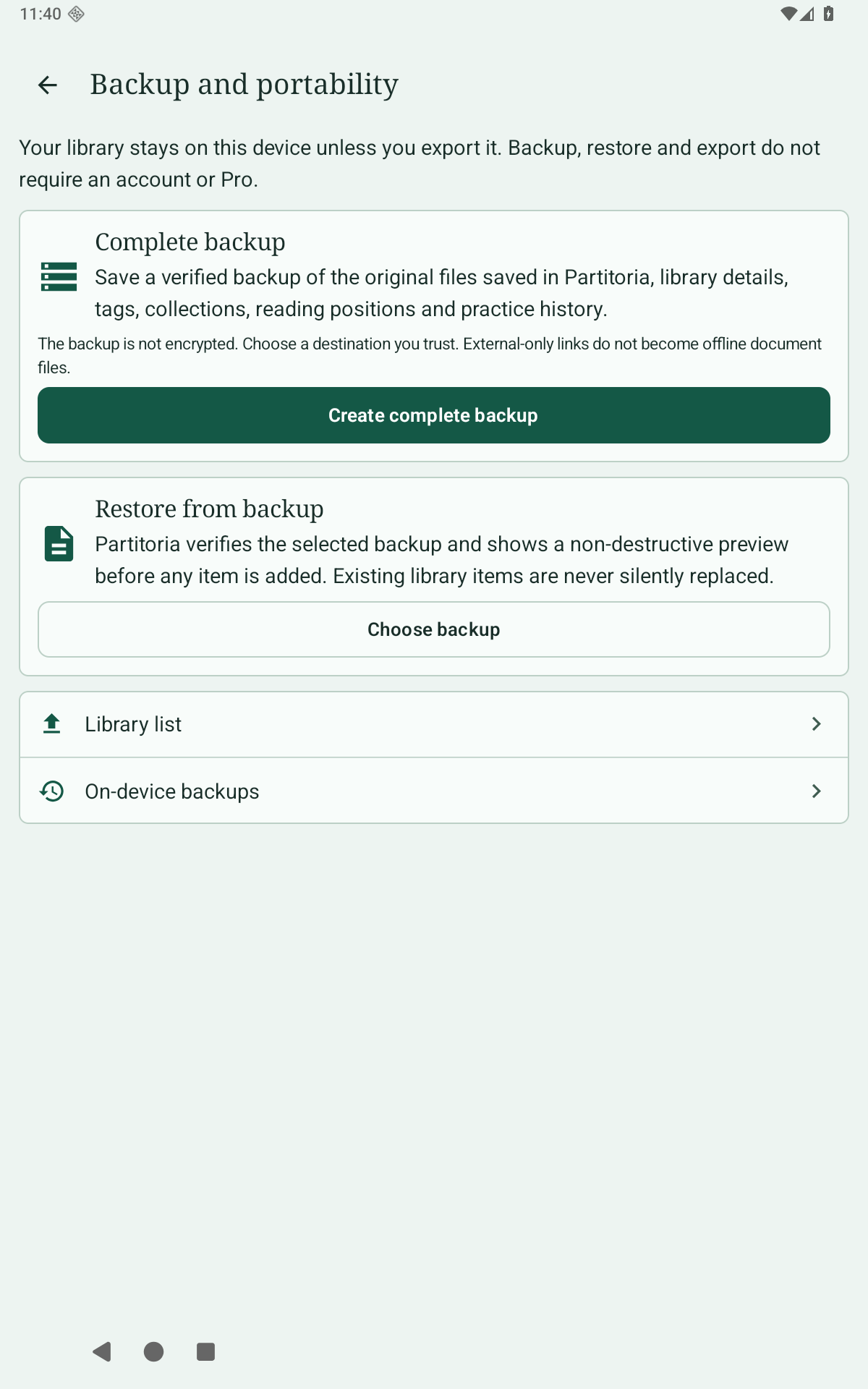
Create a complete manual backup in Partitoria on your old tablet. Copy the verified archive to the new device, then open Restore in Partitoria. Both backup and restore are free.
Get Partitoria on Google PlayOn the old tablet
Check Library health and recover any missing documents first. In the data settings, create a complete backup and wait for verification to finish. Save the archive somewhere you can reach from the new tablet. The archive is unencrypted, so choose a private destination.
On the new tablet
Select the archive in Restore and review the preview before confirming. If you already imported some pieces, check the proposed action for each match. Once restored, compare your collections and open a familiar score offline. Keep the old library until you have checked the new one.
What travels with the scores?
The archive carries available originals, library details, collections and saved work such as annotations and setlists. Pro purchase information stays with Google Play. To restore a purchase on the new tablet, use the same Google account.
Questions from musicians
- Can I move my library without a cloud account?
- Yes. A private copy of the verified backup file, for example on a USB drive accessible to both devices, is enough.