Partitoria guide

Practical instructions for features in the current app. Screenshots come from a portrait Android emulator with a synthetic library.

Getting started

Find your way around

Library and Collections are in the side rail. Other actions appear where you need them.

  1. On the Library screen, press + to add files, find an edition online or restore a backup. The three-dot menu opens Programmes, the import inbox and Tools.
  2. Tools groups practice, audio, mark transfer and smart collections. The gear opens Settings, backups and Help. Some tools appear only when their feature is available.
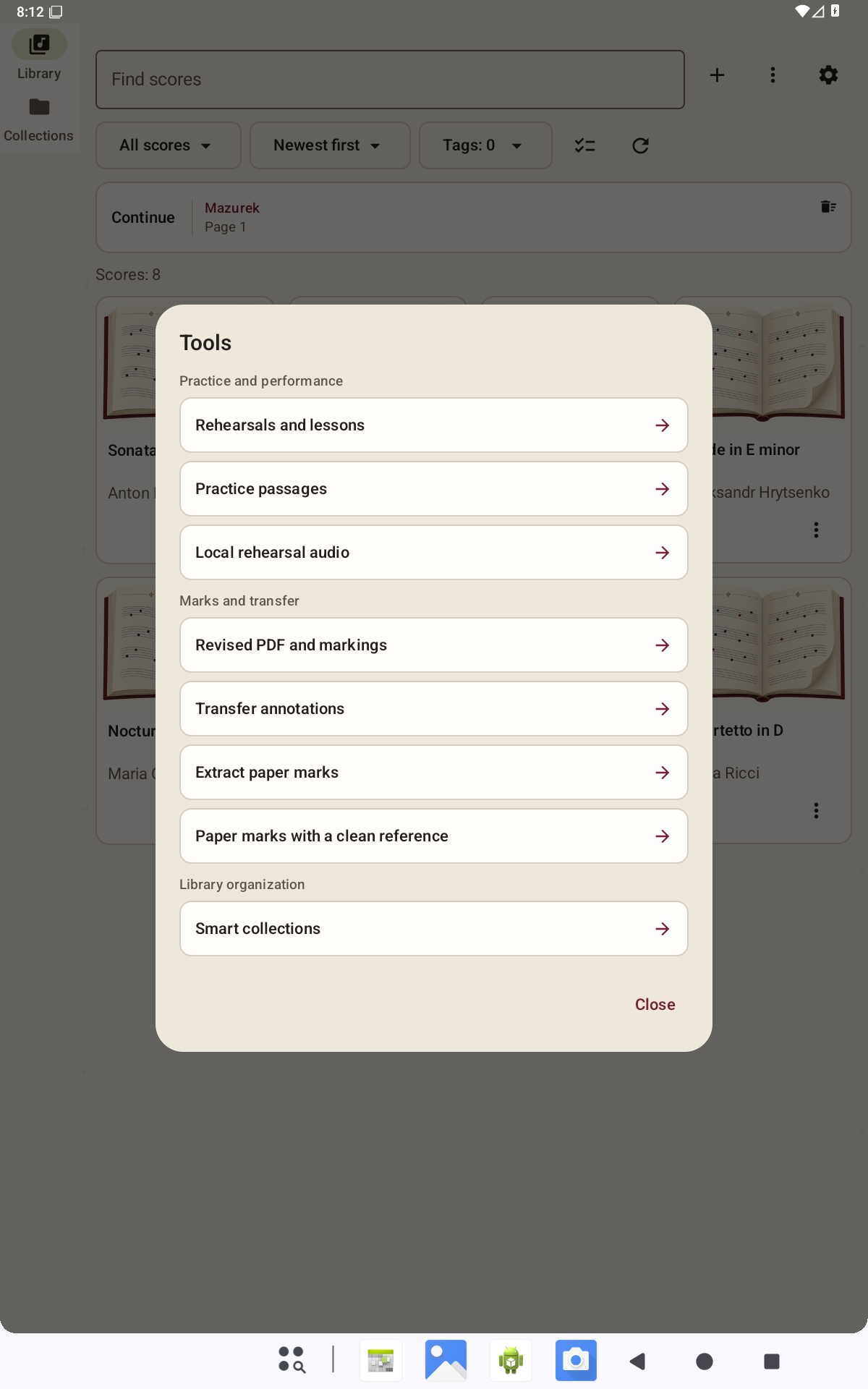
Partitoria screen: Getting started
Genuine app screen in English. Portrait Android emulator; demonstration PDFs.

Need help?

[email protected]