Organize sheet music for a lesson on Android
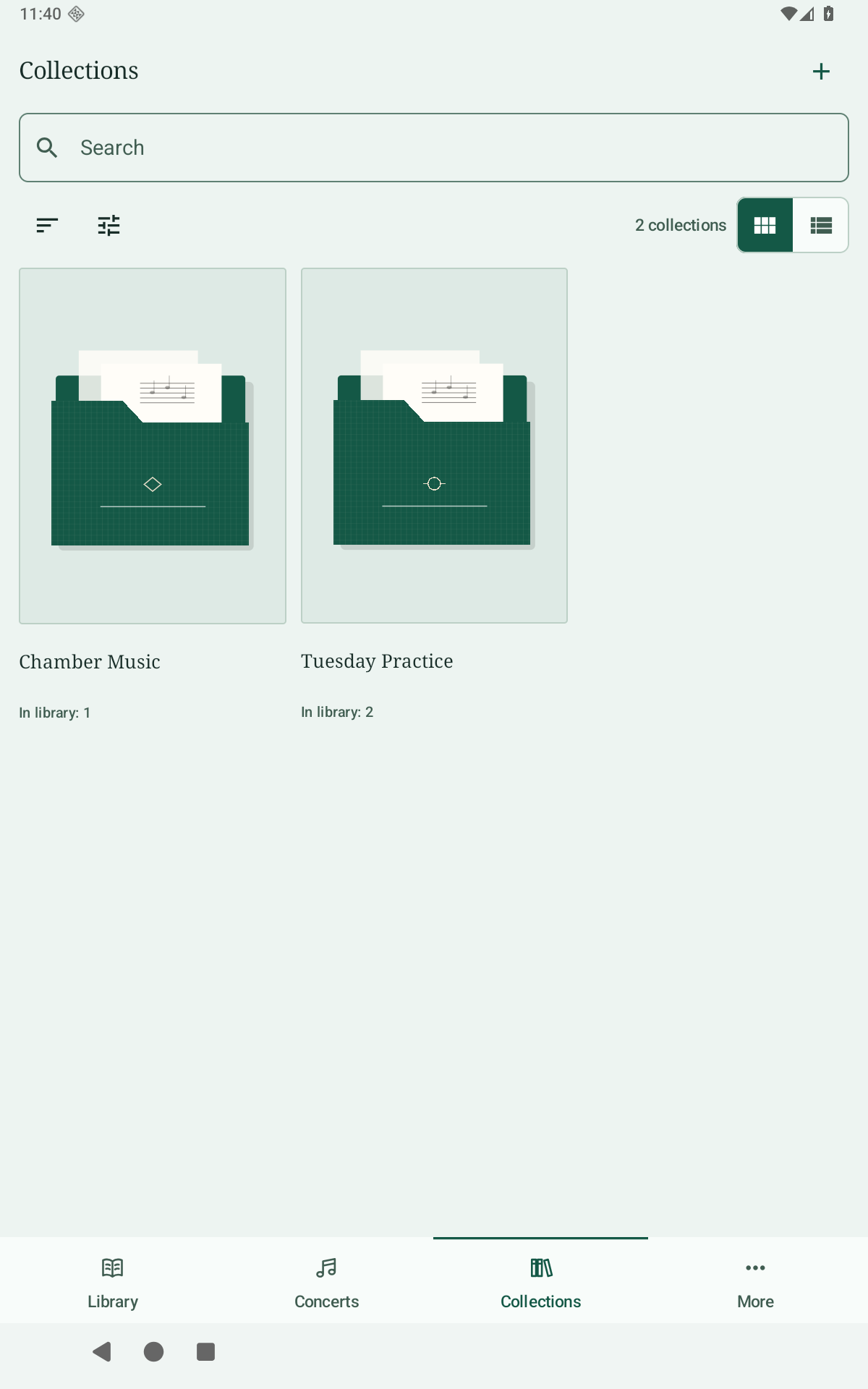
Create a collection for a student or a lesson in Partitoria and add scores from your library. The same piece can belong to several collections, so you can reuse a warm-up across students.
Get Partitoria on Google PlayPrepare one lesson
Start with a warm-up and the piece you plan to teach. Import the editions you may use, give the collection a recognizable name and add both items. Open each one offline before class. Creating a collection and reading from it are free.
What to give the student
Share an original exercise you wrote, an edition you have permission to distribute, or a link to the publisher where the student can get their own copy. Ask the student to import the file on their tablet and turn one page. A whole-library backup can contain other students’ repertoire and your personal marks.
The first-lesson handout
The one-page English handout covers the first PDF import, opening the score and adding it to a collection. The first-import video below demonstrates the reading exercise on an Android tablet.
Questions from musicians
- How do I organize one piece for several lessons?
- Add the existing library item to each relevant collection. Each collection points to the same score, so there is no need to import the file again.