Open MusicXML and MuseScore files on an Android tablet
Partitoria can import MusicXML (.musicxml or .xml), compressed MusicXML (.mxl), and MuseScore scores (.mscx or .mscz). You can review the pages and read the saved score for free.
Get Partitoria on Google PlayA score you can see in the preview
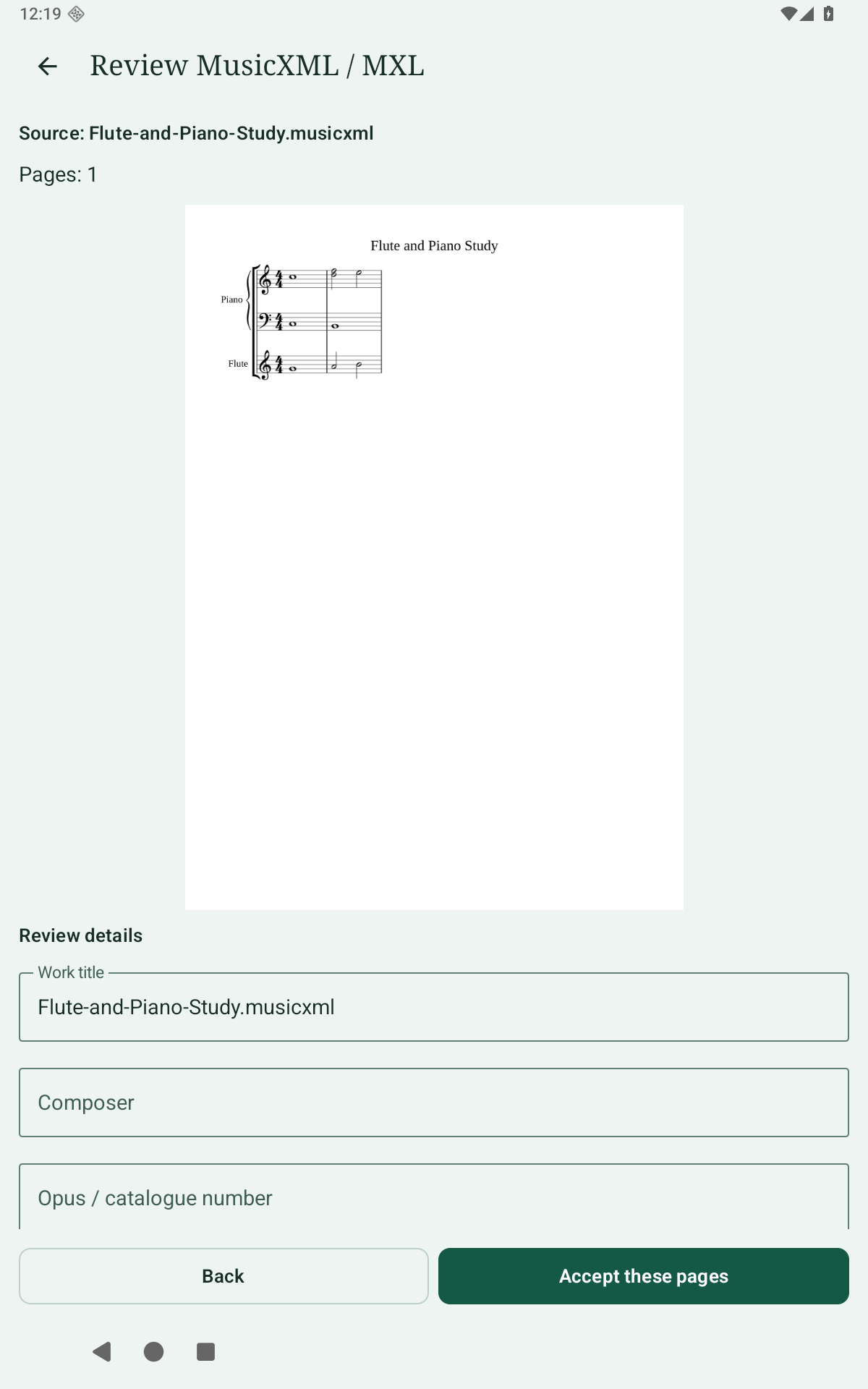
In Partitoria 1.11.1, we selected Flute-and-Piano-Study.musicxml in Android’s file picker. The preview showed one page with two piano staves and a flute staff. We accepted the page and opened the study again from the library. We also reopened Morning-Scale.mscx, a separate MuseScore example.
Check your edition before playing
Choose Files when adding a score. In the preview, check the parts you need, the text and the page turns against your original. Partitoria lays out the notation for reading, so the page breaks can differ from your desktop edition. The stored source remains available for export.
If the preview is unsuitable
Keep your original. For a particular unsupported file, try a fresh MusicXML export from the program that created it. If the exact spacing or original page breaks matter, export a PDF there and read that edition instead.
Questions from musicians
- Can I open a compressed MusicXML score on Android?
- Yes. Select the .mxl file itself. In our test Flute-and-Piano-in-D.mxl produced its own page preview.