Turn sheet music pages with a Bluetooth pedal on Android
A Bluetooth pedal that sends keyboard commands can turn pages in Partitoria’s free reader. Pair it in Android, select arrow-key or Page Up/Page Down mode on the pedal, then open a score.
Get Partitoria on Google PlayChoose the keys your feet will send
Right Arrow, Down Arrow, Page Down and Space advance one page. Left Arrow, Up Arrow and Page Up go back. For two-way turning, pick a pair such as Left/Right. A single switch set to Space only moves forward.
Try it away from the stand first
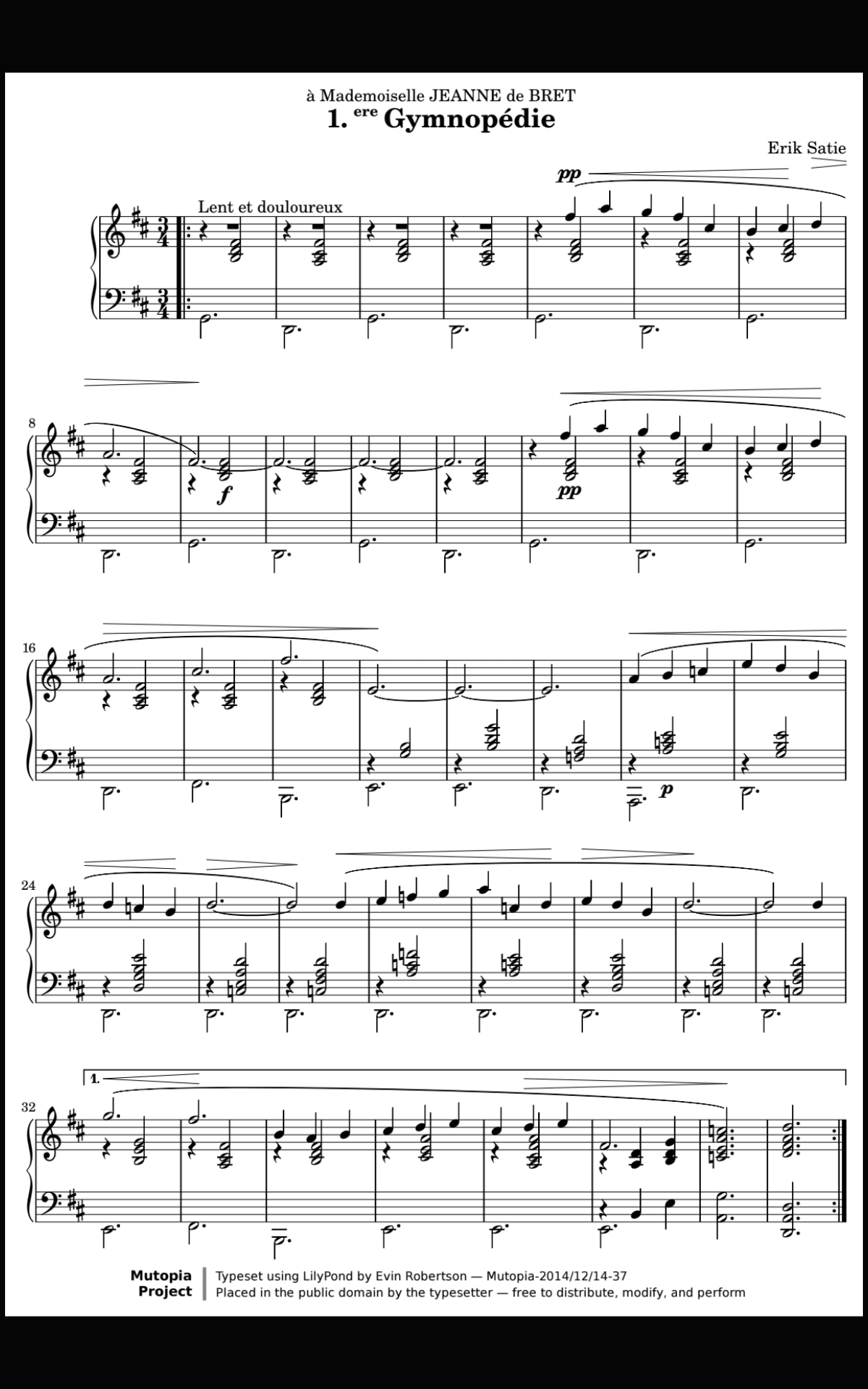
Open a three-page score. From page two, press once to advance, then once to go back. If Android shows a connection but the page stays still, check the pedal’s manual for its keyboard mode. Try the same arrow on a connected keyboard if one is available.
What has been tested
Partitoria Studio confirmed ordinary page turns with an unbranded Bluetooth pedal. The keys above identify the mode to look for when checking another model. Custom command assignments and MIDI controls are Pro features.
Questions from musicians
- Can I turn pages with a pedal without a subscription?
- Yes. When the pedal sends one of the default page-turn keys, it works in the free reader without a custom mapping.