A sheet music reader for your Android music stand
Partitoria lets you keep PDF scores on an Android tablet or phone, find a piece by name and turn its pages offline. Importing, reading and backing up your library are free.
Get Partitoria on Google PlayChoose the file you want to read
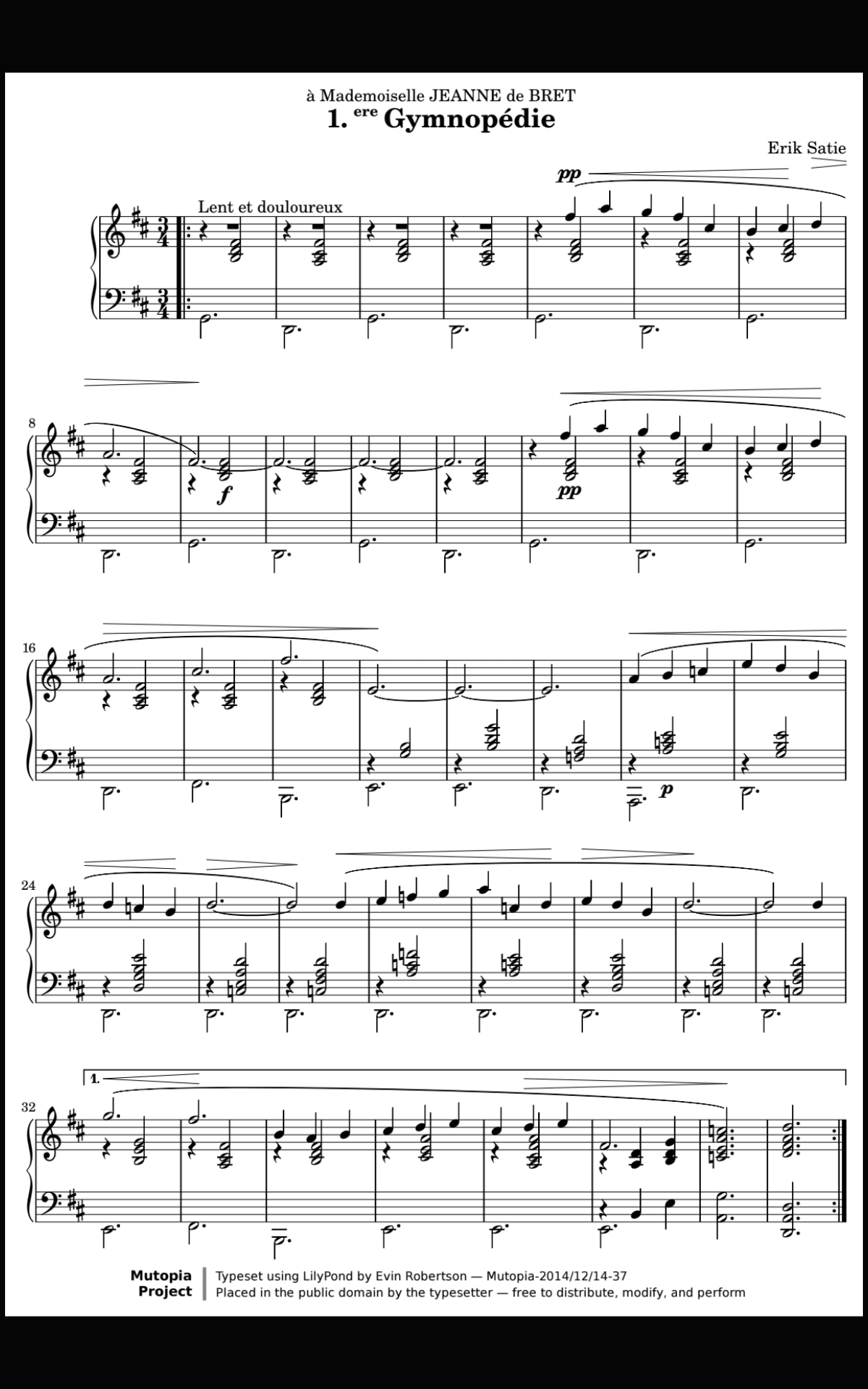
For a published edition with carefully placed page turns, use its PDF. A scan or photo can also be read as a page. If your score comes from a notation program, Partitoria can prepare reading pages from supported MusicXML, MXL and MuseScore files. ABC tunes and ChordPro songs can go in the same library.
Take the tablet to rehearsal
Import a piece with at least two pages. Turn off Wi-Fi and mobile data, find it by its title or filename, then open it and turn to the second page. A collection can keep the pieces for that rehearsal together.
When would I use Pro?
Use the free reader for ordinary page turns by touch or keyboard-style pedal. Pro adds tools for marking the score or running a performance in setlist order.
Questions from musicians
- How do I read a PDF without Wi-Fi?
- Download the file while you have a connection, import it and reopen the saved score from your library. The first-import guide below shows each step.